A simple one-page wedding program
For a short civil or non-religious ceremony, one side of a slim card is enough: your names, the date and place, and eight to ten lines of ceremony. The back carries a thank-you or stays blank.
From $7, one payment. Changes to the text are free for 30 days.
What goes in a simple wedding program?
A simple wedding program needs your two names, the date and place, and the order of the ceremony. The wedding party, a thank-you and a line about the reception are all optional.
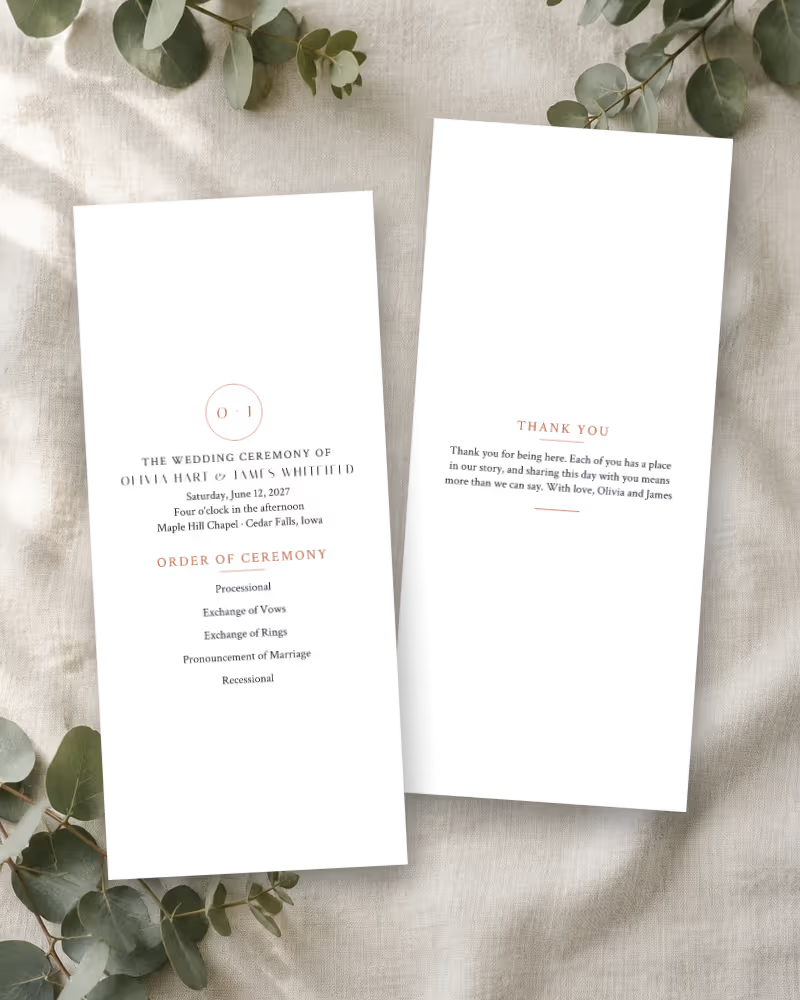
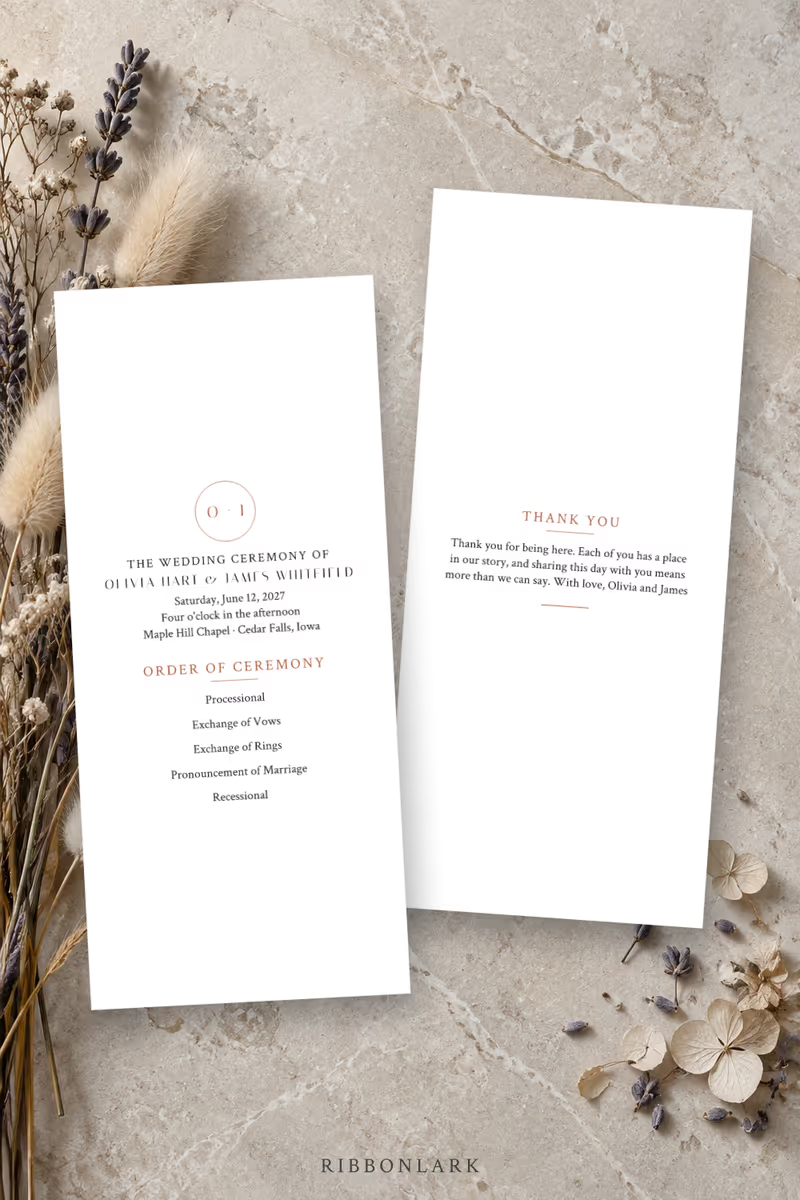
The slim card is 4x9 inches, about the size of a business envelope. Your names and the ceremony go on the front. With the wedding party switched off, the back holds only your thank-you and, if you keep it, the line about the reception.
If you want the back blank, switch off the thank-you too and leave the reception line empty. You can then print on one side only.
One page is enough when the ceremony is short and guests do not need the program to follow readings or responses. A church ceremony with readings and hymns fits better in the folded booklet.
Which ceremonies fit on one page?
Both the short civil ceremony (8 steps) and the classic non-religious ceremony (10 steps) fit on the front of the slim card, under your names, the date and the place. If you add steps, the layout first sets the type smaller to keep the ceremony on the front. The preview shows the result as you type.
Short civil ceremony
8 steps
- Processional
- Welcome
- Declaration of Intent
- Exchange of Vows
- Exchange of Rings
- Pronouncement of Marriage
- The Kiss
- Recessional
Classic ceremony
10 steps
- Prelude
- Processional
- Welcome
- Reading
- Exchange of Vows
- Exchange of Rings
- Unity Ritual
- Pronouncement of Marriage
- The Kiss
- Recessional
How do you leave out the wedding party?
Open "Wedding party" in the form and turn off "Include the wedding party". The list of names is no longer printed, and only your thank-you and the reception line remain on the back.
You can also keep part of it. Delete the roles you do not need and leave, for example, the officiant and your parents.
Three plain styles for a modern program
Studio, Atelier and Marquee set your names in capitals instead of a script font. Pick one to see your program in that style.
Studio
Modern, plain
One sans serif for everything, with the names in widely spaced capitals.
Atelier
Minimal, airy
Thin, widely spaced capitals for the names, with the text in a classic serif.
Marquee
Formal, high contrast
High-contrast serif capitals for the names, with the text in a plain sans serif.
Each style brings its own ornament and accent color. For the plainest card, choose the ornament "None" under "Look" in the form.
Make your one-page program
The form is set to the short civil ceremony on the slim card, in the Studio style. Type your names and change anything you like.
Printed above the names.
Fill in from a date
Pick the day and the time, and the line is written out in words. You can still change it afterwards.
Loading the preview…
Fits at 11 pt
One payment. No account. Corrections free for 30 days. Prices are in US dollars. Sales tax, where it applies, is added at checkout.
Checkout opens once the preview has loaded.
Checkout opens once the preview has loaded.
Bundle
$14